
Download Cute Owls Emoji Keyboard Theme – Cute Keyboard Theme, Emoji Keyboard, Fun Keyboard, Kika Keyboard, Personalized Typing
Overview
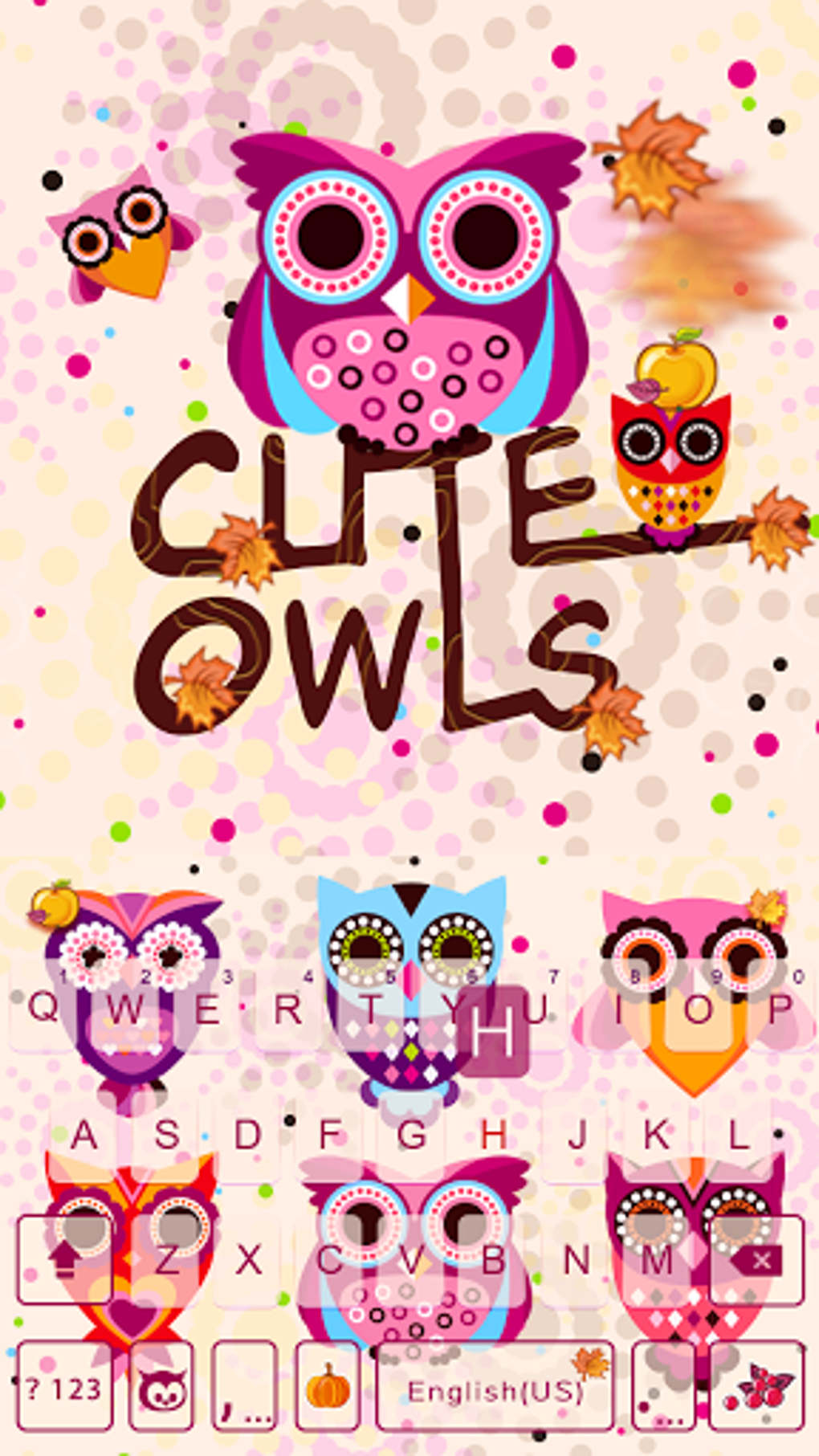
The Cute Owls Emoji Keyboard Theme is a vibrant, visually engaging keyboard interface designed to enhance the messaging experience on mobile devices. Developed by Kika Theme Developers, this theme transforms standard text input into a playful and expressive interaction. It is tailored for users who value personalization and enjoy adding a whimsical touch to their digital communications.
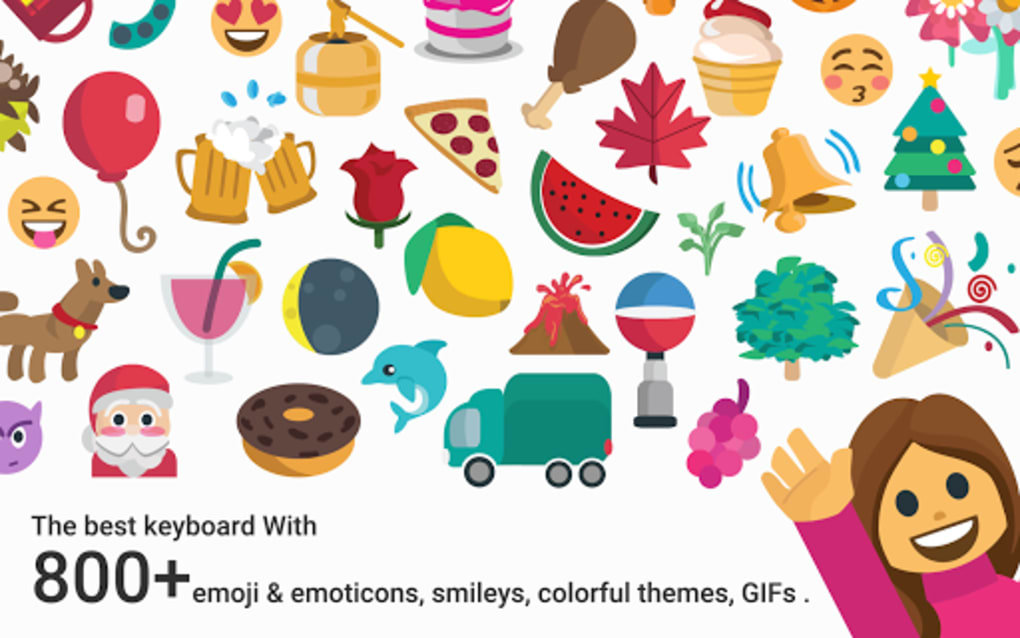
The theme features over 800 individual emoticons and smileys, including various owl designs, allowing users to infuse messages with charm and personality. It supports more than 60 languages and dictionaries, making it suitable for multilingual users across different regions. The theme is intended for smartphone users who wish to elevate their texting, emailing, and social media interactions with expressive visuals and intuitive functionality.
It is particularly appealing to younger audiences and users who appreciate lighthearted, family-friendly digital content. The theme is fully compatible with the Kika Keyboard base app, which must be installed separately before activation. The developer has a track record of delivering high-quality, widely downloaded keyboard themes, with over 100 million downloads across their portfolio.
Key Features & Capabilities
- 800+ Unique Emoticons and Smileys: Includes a diverse range of owl-themed expressions and playful designs, enabling users to convey emotions more vividly in messages.
- Multi-Language Support: Offers compatibility with over 60 languages and integrated dictionaries, ensuring accurate spell-check and auto-correct across various linguistic contexts.
- Instant Theme Activation: Can be triggered with a simple swipe gesture, allowing seamless switching between keyboard themes without interrupting workflow.
- Enhanced Voice Input: Features improved voice recognition technology, enabling hands-free typing for convenience and accessibility.
- Customization Tools: Provides access to new fonts, special characters, and image-based emoticons that can be applied to photos and shared as GIFs.
- Family-Friendly Content: All visuals and content are curated to be appropriate for all age groups, making it suitable for younger users and shared family devices.
These features collectively aim to improve both the aesthetic and functional aspects of typing. Users can personalize messages with whimsical owl icons, use voice input to reduce typing effort, and share customized content directly from their gallery. The integration with the Kika Keyboard base app ensures consistent performance and access to core typing functionalities like predictive text and grammar checks.
User Interface, Workflow & Performance
The user interface of the Cute Owls Emoji Keyboard Theme is designed with visual appeal and ease of navigation in mind. The layout places emoticons and smileys in easily accessible positions, minimizing the need for multiple taps to find desired symbols. Navigation is streamlined through swipe gestures and intuitive icon placement, allowing for rapid selection of expressions and formatting tools.
The workflow is optimized for quick message composition, especially when users want to enhance texts with expressive elements. The theme integrates smoothly with the Kika Keyboard base app, maintaining consistent responsiveness during typing sessions. Performance observations are based on general software behavior patterns, as no specific benchmark data was provided.
The developer did not specify resource usage details, such as CPU or RAM consumption. Stability is expected to be maintained due to the theme’s reliance on a well-established base application. Users can expect minimal lag during regular use, though actual performance may vary depending on device hardware and system conditions.
Compatibility & System Requirements
The Cute Owls Emoji Keyboard Theme is designed for mobile operating systems, specifically Android and iOS platforms. It requires the Kika Keyboard base app to be installed prior to use, which serves as the foundation for theme functionality. The theme is compatible with devices running the latest versions of the supported operating systems.
Installation size information was not provided. The developer did not specify exact system requirements, including minimum processor speed, RAM, or storage space. Compatibility information was partially provided, with the focus on platform support and dependency on the base keyboard app.
Users should ensure their device meets the requirements of the Kika Keyboard app to guarantee proper operation of the theme.
Pros and Cons
Pros
- Over 800 unique owl-themed emoticons and smileys for expressive messaging
- Support for more than 60 languages and dictionaries
- Instant activation via swipe gesture for quick access
- Family-friendly, age-appropriate content
- Integration with voice input for hands-free typing
- Customization options including fonts and image-based emoticons
Cons
- Requires the Kika Keyboard base app to function
- Some advanced features and icons require in-app purchases
- Installation size and system requirements not publicly disclosed
- Performance may vary depending on device and background processes
FAQ Section
Is the Cute Owls Emoji Keyboard Theme free to download?
Yes, the theme is free to download. However, additional icons and premium themes may require in-app purchases.
Do I need to install a separate keyboard app to use this theme?
Yes, the Kika Keyboard base app must be installed first. The theme is not a standalone application and relies on the base app for core functionality.
Is this keyboard theme safe to use on my device?
Yes, all images and content are family-friendly and curated to be secure. The theme is developed by a reputable developer with a history of delivering trusted keyboard themes.
Can I use this theme offline?
Yes, once installed, the theme can be used without an internet connection. However, some features like voice input may require temporary online access for processing.
How often are updates released for this keyboard theme?
Updates are released periodically by the developer to improve compatibility, add new emoticons, and fix bugs. Users are encouraged to keep the app updated for optimal performance.
Final Thoughts + CTA
The Cute Owls Emoji Keyboard Theme offers a delightful fusion of fun, functionality, and personalization. With its extensive library of expressive emoticons, multilingual support, and seamless integration with the Kika Keyboard base app, it stands out as a compelling choice for users seeking a more engaging typing experience. The theme’s family-friendly design and intuitive interface make it suitable for a wide audience, from teens to adults who enjoy creative expression in their messages.
While it requires the base keyboard app and includes optional paid content, the core experience remains accessible and enjoyable. For those looking to add charm and character to their daily communications, this theme delivers on both aesthetics and usability. Download Cute Owls Emoji Keyboard Theme now and transform every message into a moment of joy.





.png)

